Know exactly what comes in, what goes out, and what you need to buy. Every sale deducts stock instantly — no side spreadsheet, and no end-of-month count just to find out what ran out.


From product registration to inventory counts, all in the same system where you sell and issue invoices.
One record per product, with a separate balance for each variant. Size, color, and style don't turn into eight different products.
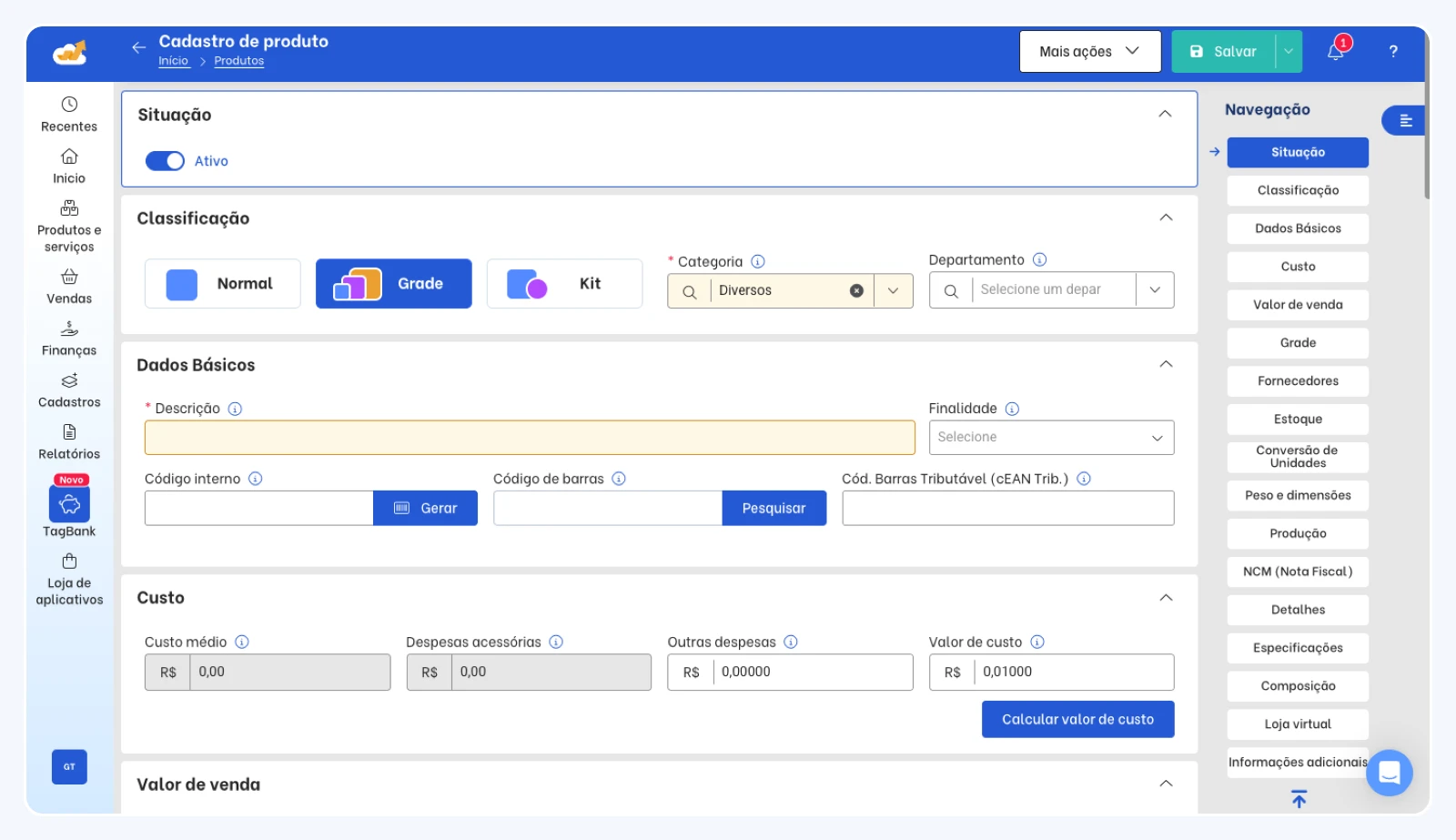
One record per product, with a separate balance for each variant. Size, color, and style don't turn into eight different products.
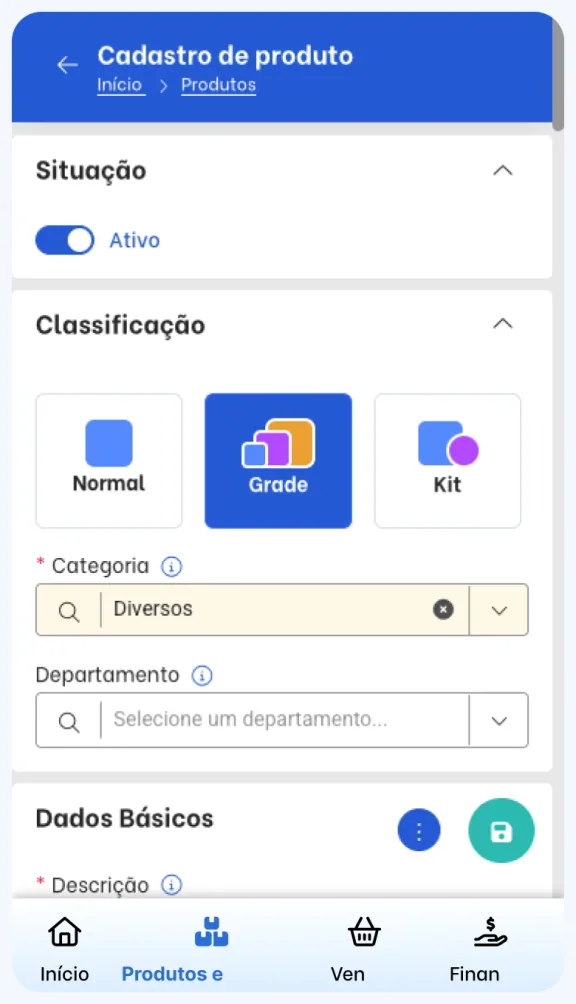
Every movement is logged with date, source, and user — a sale deducts stock, a purchase adds it.
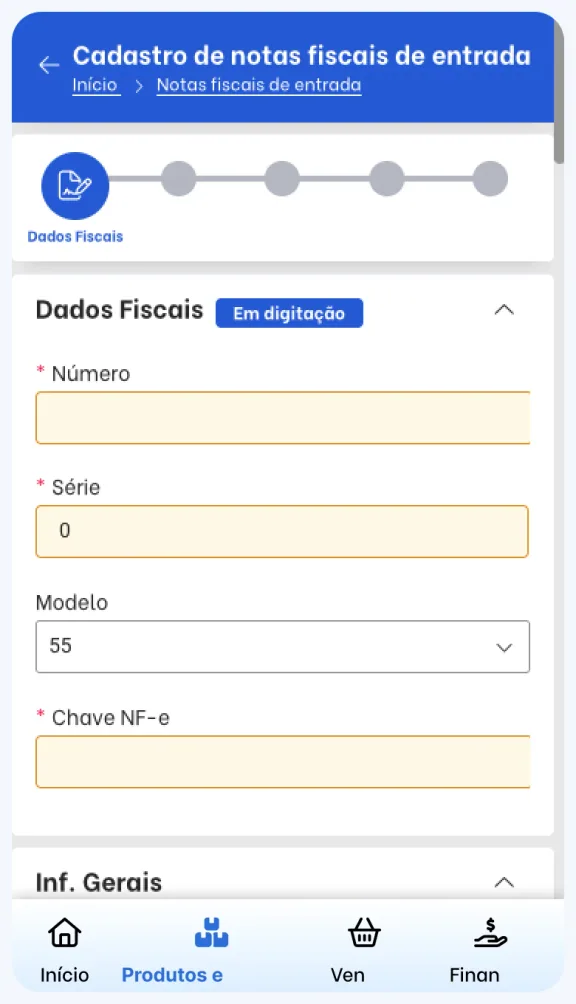
Sell a kit and the system deducts every item that makes it up — no manual work per sale. Great for gift baskets, bundles, and in-house production.
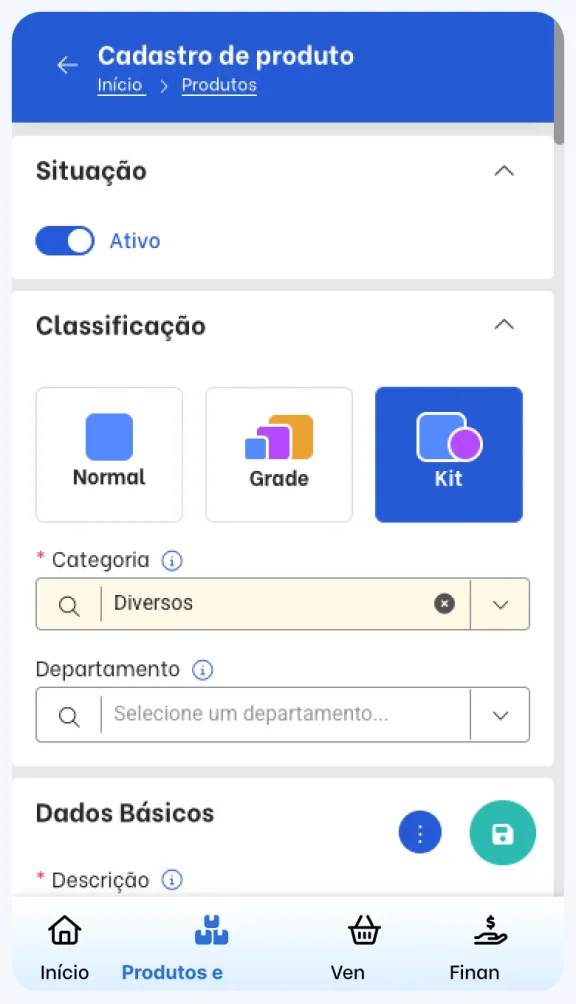
When a physical count doesn't match, you fix it right in the system — no need to issue an invoice just to correct the balance.
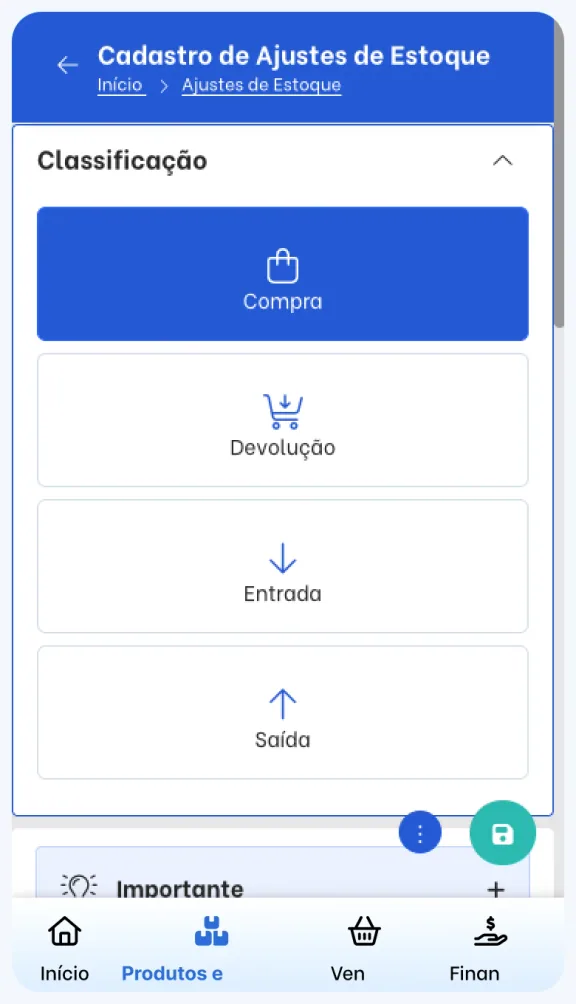
A purchase order becomes a stock entry: the product cost updates automatically, and your margin keeps up.
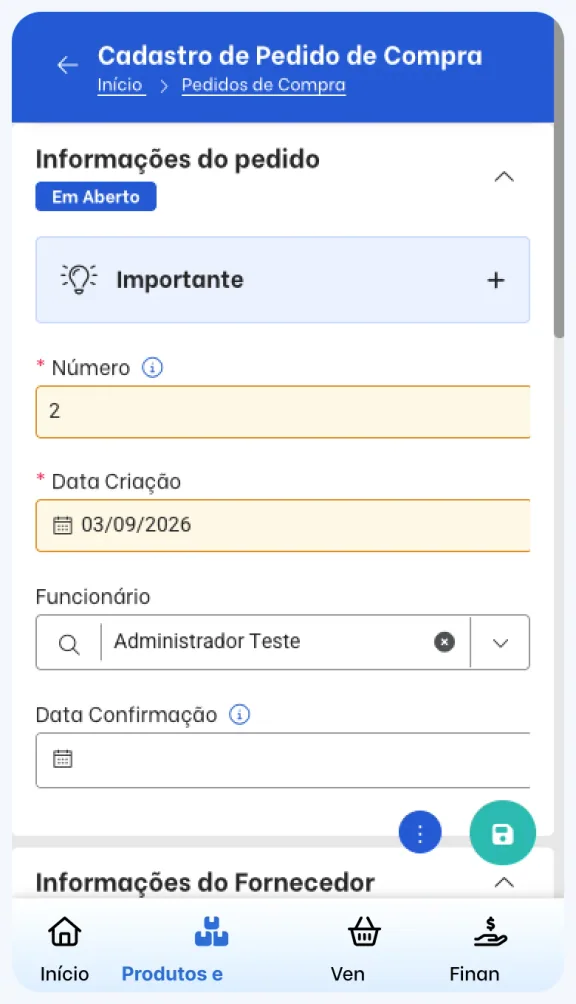
Inventory isn't a separate screen someone has to maintain. It's a direct result of what happens in sales and purchases.
1
With cost, price, minimum stock, and size or color variants.
2
Through an order, the POS, or your integrated online store.
3
Automatic deduction of items and every kit component.
4
The product shows up in alerts once the balance hits the minimum.

Your counter, online store, and marketplace all check the same inventory. Sell on any one of them, and the balance drops everywhere — no one holding items back in a spreadsheet out of fear of selling the same piece twice.
Integrate with Nuvemshop, Shopee, Tray, Loja Integrada, and more.
The balance updates back to the channel after every sale — no spreadsheet exports.
Once the balance hits zero, the product is blocked from sale in the system and in the online store.
Latest deductions
Size and color grids with no side spreadsheet.
Começar
Piqué T-Shirt
Color · Yellow







Balance, turnover, and cost for every product live in your reports — buying decisions stop being guesswork.
You set the minimum for each product. When the balance hits that point, the item shows up in alerts.
Track each item's turnover for the period and buy based on sales history, not guesswork.

The report filters items that never sold and stock that's stuck — decide on a promotion before it costs you.

See how much each product contributes to revenue, and prioritize the items that drive your sales.


 Safira Plan
“I used to count inventory every Sunday just to know what to buy on Monday. Now the shopping list is already there — and I stop buying what doesn't sell.”
The problem isn't the spreadsheet itself. It's that it depends on someone remembering to update it, every day, without a mistake.
Someone enters every sale by hand, every day
The real balance only shows up at the monthly count
Two people in the same sheet, two different numbers
No alerts: you find out about a shortage from a customer
Outdated cost hides your real margin
A sale at the POS or online store deducts stock instantly
Balance by product and variant, updated in real time
Everyone looks at the same data, with full history
Low-stock alerts and turnover reports
Cost updated from the invoice, margin per item
What's already on your spreadsheet goes into TagPlus all at once — you won't have to register product by product just to get started.
Download the template spreadsheet and import your products
Your customer and supplier records come along too
Coming from another system? Our team converts your data
Use TagPlus in your store, add your products, and choose a plan once you know what you need.